
Negotiation Techniques for Virtual Meetings: A Practical How‑To Guide
Virtual meetings have flipped the way we bargain. Face-to-face cues are gone, and the silence feels louder. That shift means the old playbook doesn’t always work.
You’re probably wondering how to keep the edge when you’re behind a screen. One simple truth is that tone, pause, and visual cue still matter, only they show up differently.
First, treat the video call like a room. Turn on your camera, sit upright, and make eye contact with the lens.
Second, use calibrated questions to draw out info without sounding pushy. Ask things like, “What’s the biggest risk you see?” and let the silence do the work.
Third, mirror the other side’s speaking speed and phrasing. It builds trust faster than any slide deck.
Fourth, label emotions you spot. A quick “It sounds like you’re worried about timing” can calm nerves and open the floor.
Finally, recap the key points before you end. Write them in a short email that repeats the agreements you just made.
These techniques let corporate negotiators, sales execs, and procurement pros keep control, even when the camera is the only window.
Edge Negotiation Group teaches these moves in its virtual‑meeting modules, so you can walk in ready to win.
Try a quick test before your next call: record a short video of yourself answering a common objection. Play it back and note any filler words or nervous habits. Cut them out, and you’ll sound sharper the first time you speak.
Step 1: Prepare Your Virtual Meeting Space and Mindset
First thing you need is a quiet spot. No kids running, no phone buzzing. A plain background helps the other side focus on you, not on clutter.
Set your camera at eye level. Sit tall, shoulders back. Turn on the light so your face is clear. A small headset can cut out echo and make your voice sound steady.
Before you click “join,” take a breath. Ask yourself what you want out of the call. Write one clear goal on a sticky note. Keep that note in view so you stay on track.

Now think about mindset. Picture the other party as a partner, not a foe. Imagine a calm tone, a steady pace. When you feel nerves rise, pause, sip water, then speak. A quick mental check‑in can stop stress before it shows on camera. For a solid question bank, see Calibrated Questions Examples: 10 Proven Techniques for Better Conversations. Using those helps you guide the talk without sounding pushy.
Step 2: Build Rapport and Set Clear Objectives
Before you even ask the first question, you need a connection. A quick, genuine smile on camera and a short, personal comment – like “I love that plant on your desk” – can melt the digital ice. It tells the other side you see them as a person, not just a screen.
Next, lay out the purpose of the call in plain terms. Say, “I’m here to help you cut costs on your supply chain while keeping quality high.” This gives both sides a clear north star and stops the conversation from wandering.
Here’s a three‑step checklist you can copy:
- State the meeting’s goal in one sentence.
- Ask a simple open‑ended question that ties to that goal.
- Repeat the goal after the answer to lock it in.
For example, a procurement lead might hear: “Our aim today is to find a faster shipping option. What’s the biggest delay you see right now?” The answer surfaces the pain point and lets you steer the talk.
Tip: write the goal on a sticky note next to your monitor. When you catch yourself drifting, glance at it and steer back.
Using calibrated questions can sharpen this process. One practical resource is Sales Negotiation Techniques: 5 Proven Strategies to Close More Deals, which shows how to pair a clear objective with a question that pulls useful info.
When the call ends, recap the agreed next steps in a brief email. A line like “We’ll send a draft timeline by Tuesday” locks the commitment and shows you respect their time.
Step 3: Use Structured Negotiation Frameworks
When you walk into a virtual deal, you need more than a goal – you need a map. A structured framework gives you clear checkpoints so the chat doesn’t drift.
Start with a simple template: Goal → Data → Options → Agreement. Write the goal on a sticky, then ask a question that pulls data. Once you have facts, toss out two or three options, and close by confirming the next step.
Here’s a quick walk‑through for a procurement lead. Goal: cut freight cost by 10%. Ask: “What’s the biggest cost driver in your current shipping process?” Data: the carrier’s fuel surcharge spikes each quarter. Options: (1) lock in a 12‑month rate, (2) switch to a mixed‑mode carrier, (3) consolidate loads weekly. Agreement: you both pick option 2 and set a follow‑up call for a detailed quote.
Why this works? The framework keeps the talk focused, forces both sides to surface hard data, and ends with a concrete next step. It also reduces the chance of vague promises that later fall apart.
Tip: Use a shared digital whiteboard or a one‑page PDF that lists the four sections. As you move through each point, tick it off. The visual cue signals progress to everyone on the call.
If you need ready‑made question ideas, check out Calibrated Questions Examples: 10 Proven Techniques for Better Conversations. Those prompts slot neatly into the “Data” step of the framework.
Finally, lock the agreement in writing. A short email that repeats the chosen option, the timeline, and who’s responsible feels professional and shows respect for the other party’s time.
Step 4: Close the Deal and Follow‑Deal Effectively
Seal the deal in the moment, then lock it in with a quick follow‑up. The hardest part isn’t the pitch – it’s making sure the agreement sticks once the call ends.
First, repeat the exact option you chose. Say, “We’ll go with the mixed‑mode carrier and send you the quote by Tuesday.” That tiny recap tells both sides you heard each other.
Next, ask a confirming question. “Does that timeline work for you?” A short yes or no gives you a clear cue and avoids vague “we’ll see.”
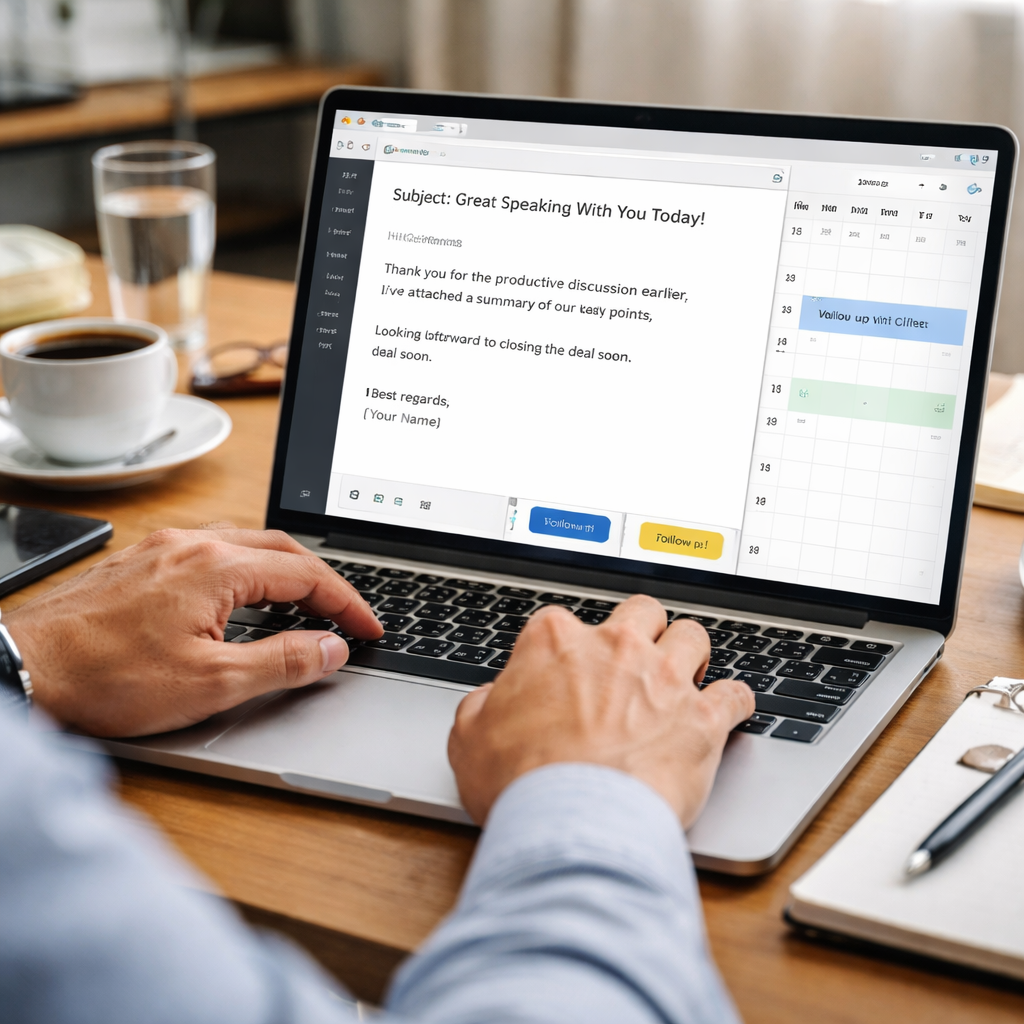
Then fire off a one‑sentence email right after the meeting. List the chosen option, the deadline, and the person responsible. Keep it plain – no fluff, just facts.
Why a follow‑up email matters? It creates a written record, reduces mis‑communication, and shows respect for the other person’s time. It also gives you a chance to add a next step, like a detailed quote or a demo.
Schedule the next touchpoint before you hang up. Drop a calendar invite for the follow‑up call. A visual reminder on both calendars cuts the chance of ghosting.
Want to make sure you’re not missing hidden objections? Look for behavioral cues that signal doubt – a pause, a shift in tone, or a quick glance away. Spotting those signs lets you address concerns before they fade.
Finally, give the other side a chance to add anything they missed. A quick “Anything else we should cover?” shows you care about a complete agreement.
Do this routine every time and you’ll find fewer “we’ll get back to you” replies and more solid commitments.
Conclusion
You’ve just walked through the core steps that make virtual negotiations work.
First, set up a quiet space and test your tech. Then, build rapport with a smile and a goal. Use a simple framework to keep the talk on track. Finally, repeat the decision, ask a confirm, and send a short email with the next step.
Using these negotiation techniques for virtual meetings can turn a shaky chat into a solid deal. You’ll notice fewer “wait‑what?” moments and clearer commitments.
Ready to sharpen your skills? See the courses Edge Negotiation Group offers for seasoned pros who want more confidence and results.
Try an after‑call checklist: copy the email, add a calendar invite, and note one improvement for next time. This keeps momentum and shows you respect the other side’s time.
Remember, the goal isn’t just to close a deal, but to build a relationship that lasts beyond the screen.
FAQ
How can I keep focus during a virtual negotiation?
Keeping focus starts with a clean space and a short prep ritual. Turn off notifications, close unrelated tabs, and place a sticky note that says “stay present”. Before you join, do a quick breathing exercise and glance at your three goals. During the call, use the note as a cue to pull back if your mind wanders. A brief pause after each point also gives you time to refocus.
What body language works best on camera?
On camera, your posture does most of the talking. Sit upright, shoulders relaxed, and keep your head level with the webcam so your eyes line up with the lens. Nod lightly when the other side makes a point – it signals you’re listening. Keep hand gestures small and within the frame; a brief hand movement can underline a key idea without distracting. A genuine smile at the start lowers tension right away.
How do I handle tech glitches without losing momentum?
When a glitch pops up, stay calm and name the issue fast. Say, “I’m hearing echo, let me check my mic,” then mute yourself while you fix it. Keep a backup plan ready – a phone number or a second device logged into the meeting. If the delay lasts more than a minute, suggest moving the rest of the talk to a phone call. This shows you’re in control and keeps the momentum.
What questions help uncover hidden objections?
Good questions pull out the hidden concerns without sounding pushy. Try phrasing them as “What would make this solution work better for you?” or “Which part of the proposal feels risky right now?” These prompts let the other side fill in gaps and give you clues about price, timing, or authority. Listen for pauses – a long silence often signals a true worry you can address right then.
How should I structure the recap email after the call?
After the call, send a recap email within ten minutes. Open with a brief thank you, then list the agreed points in bullet form: what was decided, who will do what, and the exact dates. Keep each line to one sentence and use plain language. End with a clear next step, like “I’ll share the draft contract by Thursday.” A short, tidy email locks the deal and shows respect.
How can I build rapport quickly in a remote meeting?
To spark rapport fast, start with a genuine observation about the other side’s background – maybe a plant, a wall art, or a shared industry news piece. Keep your tone warm and use the person’s name a couple of times. Follow the opener with a short, open‑ended question like “What’s the biggest win you’re looking for this quarter?” That blends personal touch with business focus.